
Your game board is the first thing players touch, study, and fall in love with before a single rule is read. Midjourney puts professional-grade visual design within reach of anyone with an idea and the words to describe it.
You do not need to be an artist. You need to know how to prompt. Midjourney, one of the most powerful AI image generation tools available today, turns written descriptions into images of stunning quality. The skill that unlocks it is visual prompt engineering: the ability to translate a creative vision into precise, layered language that guides the AI toward exactly what you need. Vague prompts produce vague results. Specific, structured prompts produce images that look like they came from a professional studio.
What is visual prompt engineering?
Learning to prompt visually means understanding how to describe style, mood, colour palette, perspective, and detail all at once. Midjourney reads every word you give it as a design instruction. The order matters, the specificity matters, and the parameters you add at the end shape everything from aspect ratio to rendering style. A well-crafted Midjourney prompt is part art direction, part technical brief, and part creative brief rolled into one sentence.
Ticket to Ride as a design challenge
Featured game
Ticket to Ride
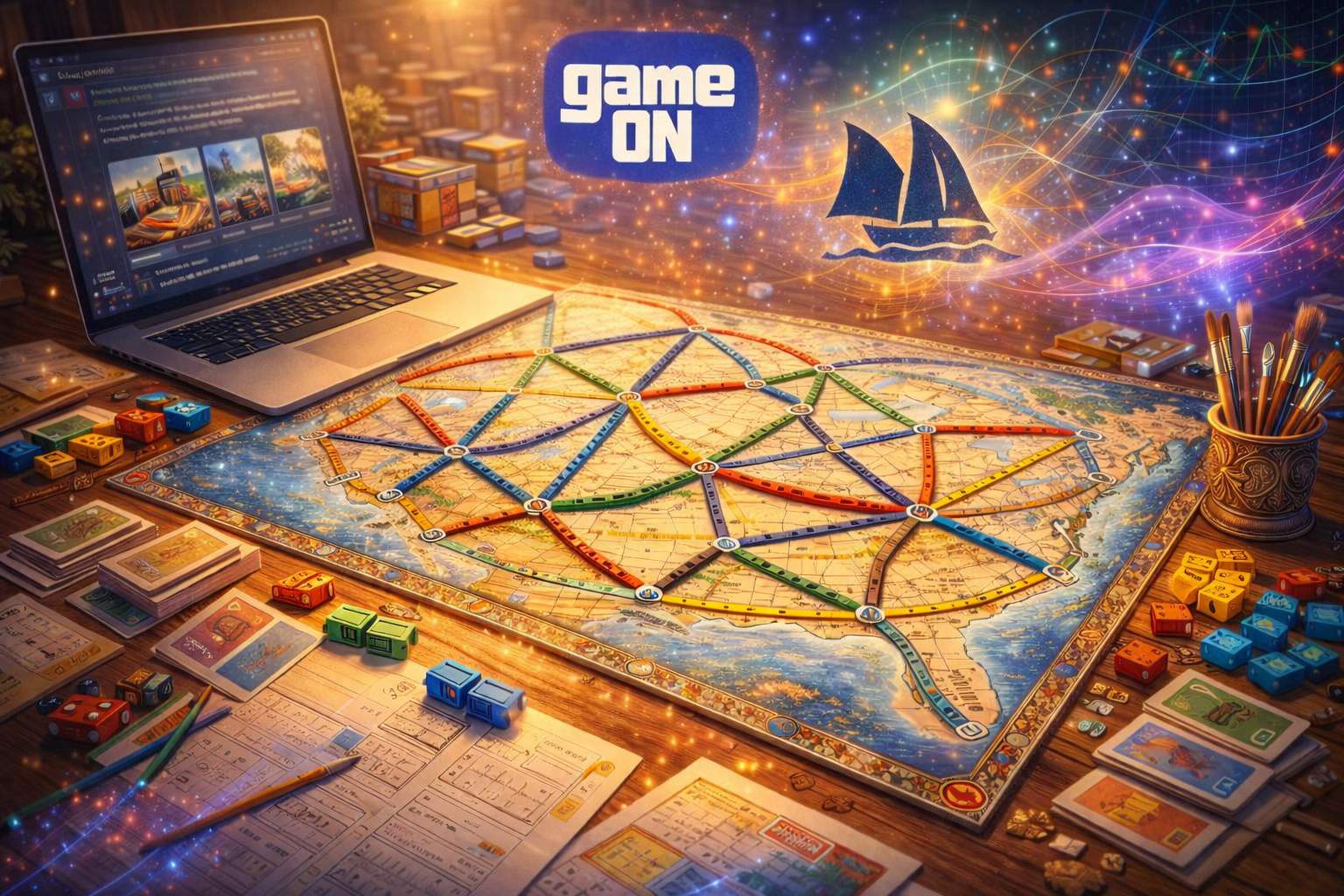
Imagine you are designing a fresh regional edition set in the Mediterranean. You want a hand-painted map aesthetic, warm terracotta tones, illustrated city landmarks, and a weathered parchment texture. Here is the kind of prompt that delivers results in Midjourney:
EXAMPLE PROMPT:
You are writing a rulebook for a cooperative board game similar in complexity to Pandemic. Here are my rough gameplay notes: [paste notes]. Rewrite these as a clear rulebook section for new players. Use short paragraphs, active voice, and a logical sequence: setup, turn structure, special actions, then end conditions. Flag any step where a new player is likely to get confused and suggest a clarifying sentence.
That single prompt layers artistic style, colour direction, perspective, texture, and mood. Run it, then iterate. Swap “vintage travel poster” for “Art Nouveau” or “WPA mural” and each version gives you a completely new visual direction to explore. Use Midjourney’s variation feature to generate four options at once, then upscale the strongest as your working base. Within thirty minutes, you have a game board concept that would have taken a professional illustrator days.
Why This Matters Beyond Board Games
Visual prompt engineering transfers directly into product design, marketing, education, and branding. Teachers can generate visually engaging classroom materials without graphic design budgets. Entrepreneurs can prototype packaging concepts in minutes. Students can visualise historical settings, scientific diagrams, or creative writing scenes with accuracy and atmosphere. Anyone who learns to communicate visually through AI prompts gains a capability that used to require years of training or expensive freelance work. The prompt is the design brief, and you are already the creative director.
Your prompts for MidJourney
Open Midjourney and use these prompts. Copy, paste, and explore.
Your first step today
Paste this into Midjourney:
Illustrated board game map, fantasy mountain kingdom, hand-drawn style, rich jewel-tone colour palette, forests and rivers marked with illustrated icons, aged parchment texture, top-down perspective, bold route lines in contrasting gold and red, highly detailed, 4k --ar 3:2 --style raw
Go further - For educators
Classroom-ready prompt:
Illustrated educational map of ancient Rome, hand-painted style, labelled regions and landmarks, warm earth tones, parchment texture, top-down perspective, suitable for a classroom board game, high detail --ar 16:9 --style raw
Go further - For entrepreneurs
Business-focused prompt:
Product packaging mood board, artisan board game box cover concept, deep forest green and copper colour palette, illustrated woodland creatures, embossed texture, premium print feel, flat lay perspective, studio lighting, high detail --ar 1:1